
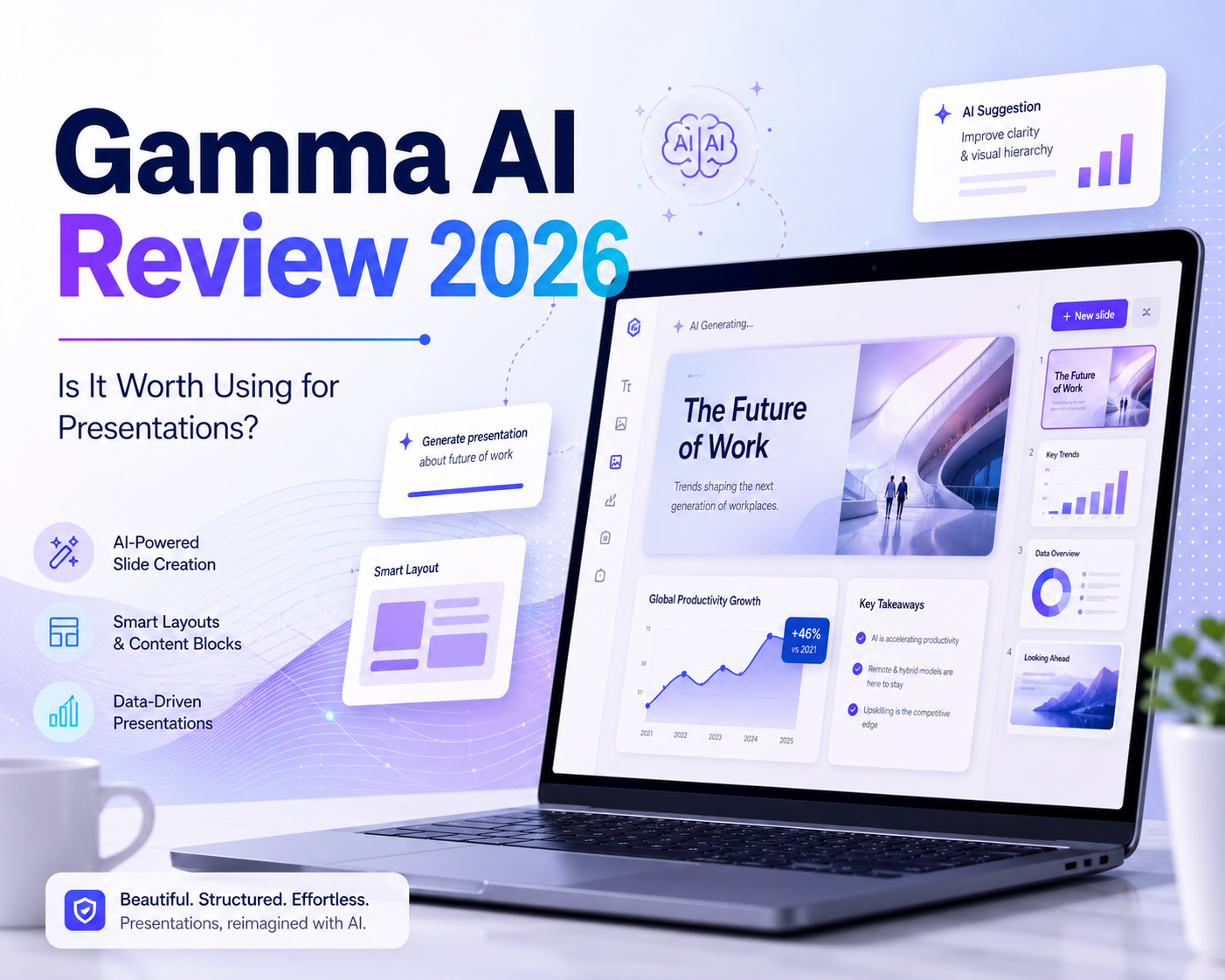
Creating a presentation can take a lot of time. You need to organize ideas, write slide content, choose layouts, adjust visuals and make everything look professional. For students, business users, marketers and teams, this process can be repetitive and time-consuming.
This is where Gamma AI becomes useful.
Gamma is an AI-powered tool that helps users create presentations, documents and simple web pages from prompts, notes or existing content. Instead of starting from a blank slide, users can give Gamma an idea and let the AI generate a structured first draft.
But is Gamma AI really worth using in 2026?
The short answer is: Gamma is worth trying if you want to create presentations faster, especially for reports, lessons, proposals and business content. However, it may not be the best choice for users who need full design freedom or highly customized visual work.
This Gamma AI review explains what Gamma is, how it works, its pros and cons, who should use it, and how to try Gamma at a lower cost with NFXBUS.
What Is Gamma AI?
Gamma AI is an AI presentation and content creation tool. It helps users turn ideas, outlines, notes or documents into visual presentations.
Instead of building slides manually, users can type a topic or paste content, and Gamma will create a structured presentation draft with text, layout and visual style.
Gamma can be used for:
- Presentations
- Reports
- Pitch decks
- Class projects
- Training materials
- Simple web pages
- Business proposals
- Content summaries
For users who often make slides, Gamma can save time by handling the first draft and layout structure.
It does not completely replace human editing, but it can make the starting point much faster.
How Does Gamma AI Work?

Gamma is simple to use. The basic process is:
- Enter a topic, idea or outline.
- Choose the type of content you want to create.
- Select a visual style or theme.
- Let Gamma generate the presentation draft.
- Edit the text, layout and visuals.
- Share or export the final result.
This workflow is useful because most people do not struggle only with design. They also struggle with structure. Gamma helps by turning rough ideas into organized slides.
For example, instead of manually creating a 10-slide business report, you can give Gamma a topic and ask it to create a draft structure. Then you can edit the parts that need more detail or better data.
Main Gamma AI Features
Gamma includes several useful features for presentation creation.
| Feature | What It Helps With |
|---|---|
| AI slide generation | Turn ideas or prompts into presentation drafts |
| Content organization | Create a clearer structure from rough notes |
| Templates and themes | Make slides look cleaner without manual design |
| AI editing | Rewrite, shorten or improve slide content |
| Document import | Turn existing content into a presentation |
| Sharing and export | Share online or export to common formats |
The most important point is not that Gamma has many features. The real value is that it helps users move from blank page to usable draft much faster.
Gamma AI Pros and Cons
| Pros | Cons |
|---|---|
| Saves time when creating presentations | AI-generated content still needs checking |
| Easy for beginners | Design freedom can feel limited |
| Good for first drafts and outlines | Some layouts may look template-based |
| Useful for business, education and reports | Not ideal for highly creative visual design |
| Helps organize messy ideas | Advanced features may require a paid plan |
Gamma is strongest when you need a clean and fast presentation draft. It is weaker when you need very detailed branding, unique design or highly creative visuals.
Is Gamma AI Free?
Gamma offers a free plan, which is useful for testing the platform and creating simple projects. However, free users may face limits, such as credit usage, branding, export limits or restricted access to advanced features.
For users who only need to try Gamma once or make occasional simple presentations, the free version may be enough.
For users who create presentations often, a paid plan may be more practical because it can provide more AI usage, better workflow and fewer limits.
Because Gamma’s pricing and plan details can change, users should always check the latest pricing before purchasing.
Who Should Use Gamma AI?
Gamma is a good fit for users who need presentations quickly and do not want to spend too much time on layout design.
| User Type | Why Gamma Can Help |
|---|---|
| Students | Create class presentations and project reports faster |
| Teachers | Prepare lesson slides and training content |
| Business users | Build meeting decks, reports and proposals |
| Marketers | Create campaign ideas, summaries and pitch materials |
| Startup teams | Draft investor decks or product presentations |
| Content creators | Turn ideas into visual formats |
Gamma may not be the best choice for professional designers, large brands with strict design rules, or users who need pixel-level control over every slide.
Gamma AI vs Traditional PowerPoint
Gamma and PowerPoint are useful in different ways.
| Category | Gamma AI | PowerPoint |
|---|---|---|
| Best for | Fast AI-generated drafts | Full manual design control |
| Ease of use | Beginner-friendly | More flexible but takes more time |
| Design process | Template and AI-driven | Manual layout and editing |
| Content structure | AI helps organize ideas | User builds structure manually |
| Best user | People who want speed | People who want full control |
Gamma is better when you want a fast starting point.
PowerPoint is better when you need full control over details.
Many users may use both together: create the first draft in Gamma, then export and polish it in PowerPoint if needed.
Gamma AI Alternatives
Gamma is useful, but it is not the only AI presentation tool. Depending on your needs, these alternatives may also be worth considering.
| Tool | Best For |
|---|---|
| Canva | Visual design, templates and social content |
| Beautiful.ai | Clean business presentations and smart layouts |
| Tome | Storytelling-style presentations |
| PowerPoint | Full manual control and professional editing |
| Google Slides | Simple team collaboration |
If you want speed and structure, Gamma is a strong choice.
If you want more design freedom, Canva may be better.
If you need full editing control, PowerPoint is still useful.
Is Gamma AI Worth It?
Gamma AI is worth it if you often create presentations and want to save time.
It is especially useful for:
- Quickly creating a first draft
- Turning notes into slides
- Making reports easier to present
- Building business or education decks
- Organizing ideas into a clear visual format
However, users should not expect Gamma to create a perfect final presentation every time. AI-generated content still needs review, especially if the deck includes numbers, company data, market claims or professional analysis.
Gamma is best used as a productivity tool. It helps you start faster, but you should still edit and fact-check the final result.
How to Use Gamma at a Lower Cost with NFXBUS
If you want to use Gamma but do not want to pay the full official service price, NFXBUS Gamma can be a lower-cost option to consider.
NFXBUS provides digital service membership options for popular AI tools and online services. For users interested in Gamma, this can be a practical way to create AI presentations, reports and visual content at a lower cost.
After purchasing, users can follow the instructions on the NFXBUS service page and start using the Gamma membership option more easily.
NFXBUS also focuses on making the purchase process safer and clearer. Payments are processed in a secure environment with SSL security protection, and users can review service details and refund policy information before purchasing. This helps reduce concerns for users who want to try Gamma through a lower-cost option.
Final Thoughts
Gamma AI is a useful tool for anyone who wants to create presentations faster. It is especially helpful for students, educators, marketers, business users and teams who need clean presentation drafts without spending hours on formatting.
Its biggest advantage is speed. Gamma can turn ideas, notes or rough content into a structured presentation draft quickly. Its main limitation is customization. If you need highly unique design or strict brand control, you may still need a tool like PowerPoint, Canva or Beautiful.ai.
Overall, Gamma is worth trying if you want an easier way to create presentations in 2026.
If you want to try Gamma at a lower cost, NFXBUS Gamma is worth checking before paying the full official service price.
FAQ
What is Gamma AI?
Gamma AI is an AI tool that helps users create presentations, documents and simple web pages from prompts or existing content.
Is Gamma AI good for presentations?
Yes. Gamma is useful for creating quick presentation drafts, outlines, reports and business slides.
Is Gamma AI free?
Gamma offers a free plan, but regular users may need a paid plan for more features and fewer limits.
What are the main disadvantages of Gamma?
Gamma may have limited design freedom, template-based layouts and AI content that needs fact-checking.
Can I use Gamma for less?
Yes. Users looking for a lower-cost option can check NFXBUS Gamma and review the product details before purchasing.