
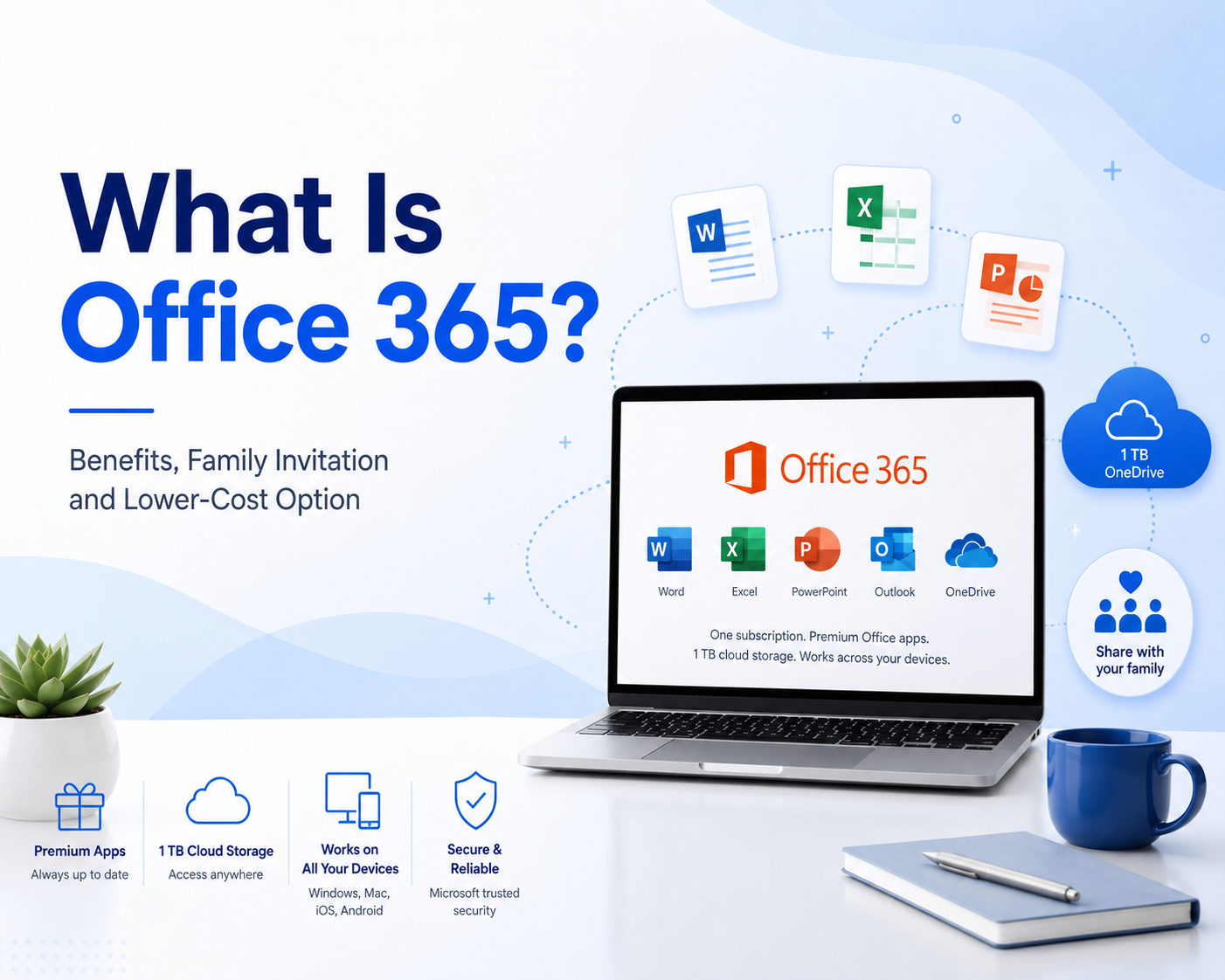
Office 365 is one of the most widely used productivity services for work, study and daily document tasks. Although Microsoft now often uses the name Microsoft 365, many users still know and search for it as Office 365.
Office 365 gives users access to familiar tools such as Word, Excel, PowerPoint and Outlook, along with OneDrive cloud storage and cross-device productivity features.
For users who want Office apps at a lower cost, NFXBUS Office 365 offers an invitation-based membership option. After purchasing, users can follow the product instructions and accept an invitation to join an Office 365 Family membership.
What Is Office 365?
Office 365 is the name many people still use for Microsoft’s service-based Office service.
Unlike the old one-time purchase version of Microsoft Office, Office 365 is service-based. Users can access Office apps and related cloud services during the membership period.
Depending on the plan, Office 365 may include:
- Word
- Excel
- PowerPoint
- Outlook
- OneNote
- OneDrive cloud storage
- Cross-device access
- File sharing and collaboration features
Microsoft’s Family plan page says it works across PC, Mac, iPhone, iPad and Android devices, and includes up to 6 TB of cloud storage, with 1 TB per person for one to six people.
This makes Office 365 useful for people who need Office apps across different devices.
Main Office 365 Benefits

Office 365 is popular because it combines several tools that many people use every day.
| Office 365 Benefit | What It Means |
|---|---|
| Word, Excel and PowerPoint | Create documents, spreadsheets and presentations |
| OneDrive cloud storage | Store and sync files online |
| Cross-device access | Use Office apps on computers, tablets and phones |
| File sharing | Share files and work with others more easily |
| Personal account use | Users can keep files and settings under their own account |
| Family invitation access | Users can join an eligible family membership through an invitation |
| Lower-cost option | NFXBUS Office 365 provides a more budget-friendly membership option |
For many users, the value of Office 365 is not only Word, Excel and PowerPoint. The bigger benefit is having Office apps, cloud storage and file access together.
1. Word, Excel and PowerPoint for Daily Work
The biggest reason people choose Office 365 is access to Microsoft Office apps.
Word is useful for writing documents, essays, resumes, reports and business materials. Excel is useful for budgets, schedules, data tracking, lists and business analysis. PowerPoint is useful for presentations, class projects, meetings and proposals.
Office 365 can be useful for:
- Students writing assignments
- Office workers creating reports
- Business users managing spreadsheets
- Teachers preparing class materials
- Freelancers making proposals
- Families organizing documents
- Small teams working on shared files
Because Word, Excel and PowerPoint are still widely used in schools, companies and businesses, having Office 365 can make daily productivity much easier.
2. OneDrive Cloud Storage
Another important Office 365 benefit is OneDrive cloud storage.
OneDrive allows users to store files online and access them from different devices. Microsoft explains that people invited to share a Microsoft 365 Family service can receive benefits such as 1 TB of personal OneDrive storage and desktop apps like Word, Excel, PowerPoint and Outlook.
With OneDrive, users can:
- Save documents online
- Access files from another device
- Back up important files
- Share files with others
- Sync documents across devices
- Work from home, school or office
This is especially useful for students, office workers and people who often switch between laptop, phone and tablet.
3. Easy Access Across Devices
Office 365 is useful because users can work across multiple devices.
For example, you can start a Word document on your laptop, check it on your phone, and edit it later on a tablet.
Microsoft’s OneDrive plan information also says Family users can use the service on up to five devices at the same time per person, depending on the plan and device availability.
This flexibility is one reason many users prefer a service instead of relying only on one device or one installed version of Office.
4. Better File Sharing and Collaboration
Office 365 also helps with file sharing and collaboration.
With Office apps and OneDrive, users can share files through links, work on documents together and avoid sending many different versions of the same file by email.
This can help with:
- School group projects
- Work reports
- Family budgets
- Small business planning
- Team presentations
- Shared documents
For users who often work with others, Office 365 can save time and reduce confusion.
What Is Office 365 Family Invitation?

Office 365 Family invitation is a way for a service owner to invite another user to join a family membership.
After accepting the invitation with a Microsoft account, the invited user can access Office 365 benefits such as Word, Excel, PowerPoint, Outlook and OneDrive storage, depending on the membership details. Microsoft’s support page says a service owner can share benefits with up to five people, and invited users need to accept the invitation to access the shared benefits.
This method is useful because users do not need to manage a full family service by themselves. Instead, they can join an available Office 365 Family membership through an invitation.
For NFXBUS Office 365, users purchase the membership option first, then follow the platform instructions to accept the invitation and join the Office 365 Family membership.
Benefits of Office 365 Family Invitation
Invitation-based Office 365 access can be practical for users who want Office apps and cloud storage without managing a full service by themselves.
| Benefit | What It Means |
|---|---|
| Lower cost | Users can access Office 365 at a more affordable price |
| Invitation-based access | Users join through an invitation after purchase |
| Office apps | Access Word, Excel, PowerPoint and Outlook benefits |
| OneDrive storage | Use cloud storage for files, photos and documents |
| Personal Microsoft account | The invited user can use their own Microsoft account |
| Simple setup | Follow the invitation instructions after purchase |
This invitation-based method is especially useful for users who want Office 365 benefits but do not want to pay for or manage a full family service by themselves.
Is Office 365 Worth It?
Office 365 can be worth it if you use Microsoft Office apps often.
It is especially useful for:
- Students
- Office workers
- Families
- Freelancers
- Small business users
- People who need cloud storage
- Users who work across multiple devices
- Anyone who regularly uses Word, Excel or PowerPoint
If you only open a document once in a while, a free alternative may be enough.
But if you create, edit, store and share files regularly, Office 365 can be a strong productivity tool.
The value becomes even better when users can join an eligible family membership through invitation-based access.
How to Get Office 365 at a Lower Price with NFXBUS
For many users, the main concern about Office 365 is the official service price.
If you want Office apps and OneDrive storage at a lower cost, NFXBUS Office 365 can be a practical option to consider.
NFXBUS Office 365 uses an invitation-based access method. After purchasing, users can follow the product instructions and accept an invitation to join an Office 365 Family membership.
This means users do not need to manage the full family service by themselves. Instead, they can join through an invitation and use Office 365 benefits according to the product rules.
This can be useful if you:
- Need Word, Excel and PowerPoint
- Want OneDrive cloud storage
- Use Office apps for study or work
- Prefer an invitation-based membership option
- Want a lower-cost Office 365 service
- Do not want to manage a full family plan by yourself
Before purchasing, users should check the product details carefully, including membership duration, invitation method, account requirements, usage rules, renewal information and after-sales support.
Why Choose NFXBUS Office 365?
NFXBUS Office 365 may be suitable for users who want a more affordable way to use Office 365-related benefits.
| User Type | Why It Helps |
|---|---|
| Students | Create assignments, reports and presentations |
| Office workers | Work with Word, Excel, PowerPoint and Outlook |
| Families | Use Office tools at a lower average cost |
| Freelancers | Prepare proposals, invoices and documents |
| Small teams | Improve productivity with familiar Office apps |
| Budget-conscious users | Access Office 365 at a lower cost |
For users who already rely on Office apps, NFXBUS Office 365 can make the service easier to afford.
Final Thoughts
Office 365 is still one of the most useful productivity memberships for users who need Word, Excel, PowerPoint, Outlook and OneDrive cloud storage.
Although Microsoft now mainly uses the name Microsoft 365, many people still search for and understand it as Office 365. The key benefits remain clear: document editing, spreadsheet work, presentations, cloud storage, file sharing and cross-device access.
For users who do not want to manage a full family service by themselves, invitation-based access can be a simpler option. With NFXBUS Office 365, users can follow the product instructions, accept an invitation and join an Office 365 Family membership at a lower cost.
If you use Office apps regularly for study, work or daily productivity, NFXBUS Office 365 can be worth checking before paying the standard official service price.
FAQ
What is Office 365?
Office 365 is the name many users still use for Microsoft’s service-based Office service. It includes productivity tools such as Word, Excel, PowerPoint, Outlook and OneDrive cloud storage, depending on the plan.
Is Office 365 the same as Microsoft 365?
Microsoft now mainly uses the name Microsoft 365, but many users still call it Office 365. In everyday searches, both names often refer to Microsoft’s Office service service.
What does Office 365 include?
Depending on the membership, Office 365 may include Word, Excel, PowerPoint, Outlook, OneNote, OneDrive cloud storage and cross-device access.
What is Office 365 Family Invitation?
Office 365 Family Invitation means a user joins a family membership through an invitation. After accepting the invitation, the user can access Office 365 benefits according to the membership details.
Does Office 365 include 1TB OneDrive storage?
Eligible family service users can receive 1 TB of personal OneDrive storage as part of the shared benefits.
Is Office 365 worth it?
Office 365 can be worth it if you regularly use Word, Excel, PowerPoint, Outlook or OneDrive for study, work or personal productivity.
Can I get Office 365 cheaper?
Users looking for a lower-cost option can check NFXBUS Office 365 and compare product details before purchasing.