

ChatGPT is one of the most popular AI tools for writing, learning, research, coding, planning and daily productivity. Many beginners try it for the first time, ask one simple question, and feel that the answer is not as impressive as expected.
In most cases, the problem is not ChatGPT itself. The real issue is that many new users do not know how to ask clear questions or use ChatGPT’s features properly.
ChatGPT is designed as an AI chatbot for everyday use. It can help users explore ideas, solve problems and learn faster.
In this beginner guide, you will learn what ChatGPT is, how to use ChatGPT, how to write better prompts, which features are useful, how free ChatGPT compares with ChatGPT Plus, and how to find a lower-cost ChatGPT Plus option through NFXBUS.
What Is ChatGPT?
ChatGPT is an AI chatbot developed by OpenAI. It can understand natural language and respond in a conversational way.
Instead of only searching keywords and reading many pages yourself, you can ask ChatGPT a question directly. It can explain topics, summarize information, rewrite text, generate ideas, help with coding and answer follow-up questions in the same conversation.
You can use ChatGPT to:
- Explain difficult topics
- Write emails, articles and outlines
- Summarize long text
- Translate or rewrite content
- Check grammar
- Brainstorm ideas
- Help with code
- Analyze screenshots or images
- Create study plans
- Organize tasks
The key point is simple: ChatGPT works better when your instructions are clear.
What Can ChatGPT Do?
ChatGPT can support many daily tasks for students, workers, creators and business users.
| Use Case | How ChatGPT Helps |
|---|---|
| Writing | Draft emails, articles, captions, outlines and summaries |
| Learning | Explain difficult concepts in simple language |
| Research | Organize information and compare options |
| Coding | Explain code, find bugs and suggest improvements |
| Productivity | Create plans, checklists, schedules and templates |
| Translation | Translate text and adjust tone |
| Image understanding | Analyze screenshots, charts, diagrams and images |
| File work | Help review documents, spreadsheets and other files |
OpenAI’s Help Center explains that ChatGPT can support capabilities such as image understanding, file-related tasks and other tools depending on plan availability.
This means ChatGPT is not only a question-answer tool. It can also help with writing, analysis, visual content and structured work.
How to Use ChatGPT for Beginners

Using ChatGPT is simple. Using it well takes a little practice.
Here is the easiest process for beginners.
1. Create or Log In to a ChatGPT Account
To start using ChatGPT, go to ChatGPT and sign up or log in. After logging in, you will see a chat box where you can type your question or request.
The interface is simple: type what you need, send the message, and ChatGPT will reply.
You can also use ChatGPT on mobile. OpenAI’s download page says users can talk to type, have voice conversations, take pictures and ask questions about them.
2. Ask a Clear Question
A common beginner mistake is asking questions that are too short.
For example:
Bad prompt:
Explain marketing.
Better prompt:
Explain digital marketing to a beginner. Use simple language and give 5 real-life examples.
The second prompt is better because it tells ChatGPT:
- The topic
- The user level
- The writing style
- The output format
The clearer your request is, the better the answer will usually be.
3. Continue the Conversation
You do not need to get the perfect answer on the first try.
If the first answer is not good enough, you can ask ChatGPT to adjust it.
For example:
- Make it shorter.
- Explain it like I am a beginner.
- Give me examples.
- Turn this into a table.
- Make the tone more professional.
- Give me a better version.
This back-and-forth conversation is one of the biggest advantages of ChatGPT.
ChatGPT Prompt Examples for Beginners
Here are some simple prompt examples you can copy and adjust.
Writing Prompt
Write a short blog introduction about ChatGPT for beginners. Make it easy to read and SEO-friendly.
Learning Prompt
Explain artificial intelligence in simple words. Use examples that a beginner can understand.
Work Email Prompt
Create a professional email asking a client for missing project details. Keep the tone polite and clear.
Coding Prompt
Explain what this code does step by step and point out any possible errors.
Summary Prompt
Summarize this text into 5 bullet points and highlight the most important ideas.
Improvement Prompt
Improve this answer and make it clearer, more natural and easier to read.
The more specific your prompt is, the more useful ChatGPT’s response will usually be.
Useful ChatGPT Features for Beginners
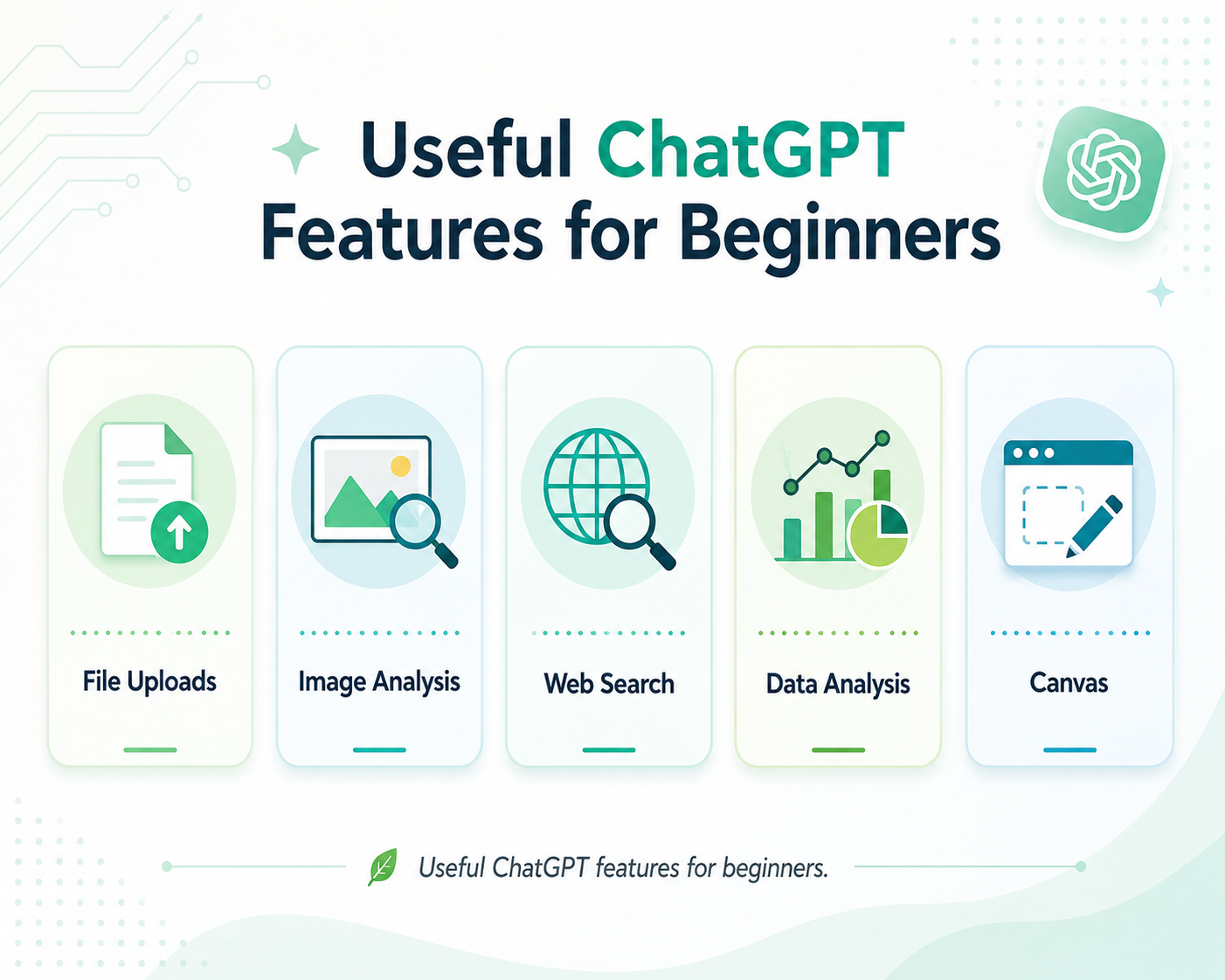
ChatGPT has many useful features beyond basic text chatting. Beginners do not need to use everything at once, but these features are worth knowing.
1. File Uploads
ChatGPT can help with uploaded files, depending on your plan and usage limits.
This can be useful when you want to:
- Summarize a PDF
- Review a document
- Analyze spreadsheet data
- Rewrite a report
- Extract key points
- Turn notes into an article
- Organize long content
OpenAI’s Projects page explains that files, instructions and chats can be kept together in one place so ChatGPT can stay on topic and help users stay organized.
2. Image Analysis
ChatGPT can also analyze images and screenshots.
You can upload an image and ask:
- What does this image show?
- Can you explain this chart?
- What should I improve in this design?
- Can you read the text in this screenshot?
- Is this layout suitable for a blog article?
This is useful for students, designers, marketers, creators and anyone working with visual content.
3. Web Search
When search tools are available, ChatGPT can help find and summarize current information.
This is useful for topics that change often, such as:
- Prices
- Product features
- Platform rules
- Software updates
- Current events
- Market information
For important or time-sensitive information, users should still check reliable sources and official websites.
4. Data Analysis
ChatGPT can help organize data, explain numbers and create simple analysis.
This can be useful for:
- Sales data
- Survey results
- Content performance
- Budget planning
- Spreadsheet review
- Business reports
For users who often work with documents or data, ChatGPT can save a lot of time.
5. Canvas
Canvas is a workspace inside ChatGPT for writing and coding projects that need editing and revision. OpenAI describes Canvas as a way to work with ChatGPT on writing and coding projects that require changes and edits.
Canvas can be useful when you want to:
- Draft an article
- Edit long content
- Improve code
- Rewrite sections
- Compare versions
- Work on structured documents
For bloggers, writers and developers, Canvas can make longer projects easier to manage.
ChatGPT Free vs ChatGPT Plus
ChatGPT has a free version, and OpenAI also offers paid plans. OpenAI’s pricing page says the free version is available to everyone, while paid plans provide a more powerful experience through additional features and access to more advanced models.
Here is a simple comparison.
| Feature | Free ChatGPT | ChatGPT Plus |
|---|---|---|
| Basic chat access | Yes | Yes |
| Advanced feature access | Limited | More available |
| File uploads | Limited | Higher access depending on plan |
| Image tools | Limited | More available |
| Data analysis | Limited | More available |
| Best for | Casual users and beginners | Daily users, students, creators and professionals |
Free ChatGPT is a good starting point for beginners.
ChatGPT Plus is usually better for users who rely on ChatGPT more often for writing, work, study, research, coding or productivity.
Is ChatGPT Plus Worth It?
ChatGPT Plus can be worth it if you use ChatGPT regularly.
It may be useful for:
- Students who need study help
- Writers who create content often
- Marketers who work on ads
- Developers who need coding support
- Business users who analyze documents
- Creators who generate ideas
- Users who want more advanced features
If you only ask simple questions occasionally, the free version may be enough.
But if ChatGPT saves you time every week, Plus can provide better value.
How to Get ChatGPT Plus at a Lower Price with NFXBUS
For many users, the main concern about ChatGPT Plus is the official service price.
If you want more advanced ChatGPT features but prefer a more budget-friendly option, NFXBUS ChatGPT Plus can be worth checking.
NFXBUS provides digital service membership options for users who want access to popular online services at a lower cost. With NFXBUS ChatGPT Plus, users can choose a more affordable way to access ChatGPT Plus-related membership options.
This can be useful if you:
- Use ChatGPT every day
- Need help with writing or study
- Work with files or longer content
- Create emails or reports
- Want access to more advanced features
- Prefer a lower-cost ChatGPT Plus option
Before purchasing, users should check the product details carefully, including membership duration, account type, login method, usage rules, renewal information and after-sales support.
Common Mistakes Beginners Make with ChatGPT
Many beginners feel disappointed with ChatGPT because they use it like a simple search box.
Here are common mistakes to avoid.
| Mistake | Better Approach |
|---|---|
| Asking vague questions | Give context and clear requirements |
| Expecting perfect answers immediately | Use follow-up questions |
| Asking too much at once | Break complex tasks into smaller steps |
| Ignoring tone and format | Tell ChatGPT the style you want |
| Not checking important facts | Verify important information |
| Copying answers directly | Edit and personalize the output |
ChatGPT is powerful, but it works best when users guide it clearly.
Best Ways to Use ChatGPT Every Day
Here are practical ways beginners can use ChatGPT daily.
For Study
Ask ChatGPT to explain difficult topics, create quizzes, summarize notes or make a study plan.
For Work
Use ChatGPT to draft emails, organize ideas, create meeting summaries or improve reports.
For Content Creation
Ask it to generate blog outlines, social media captions, video scripts or content ideas.
For Business
Use it for customer message drafts, product descriptions, competitor research and workflow planning.
For Personal Life
Ask for travel plans, meal ideas, workout schedules, language practice or decision-making support.
The best way to improve is simple: use ChatGPT regularly and keep refining your prompts.
Final Thoughts
ChatGPT is easy to start using, but the real value comes from learning how to ask better questions.
For beginners, the most important steps are simple:
Give context, explain the task, add requirements, and continue the conversation until the answer fits your needs.
ChatGPT can help with writing, learning, research, coding, image analysis, file review, planning and many daily tasks. Free ChatGPT is a good starting point, while ChatGPT Plus can be more useful for users who need more advanced features and smoother access.
If you want ChatGPT Plus at a lower cost, NFXBUS ChatGPT Plus can be a practical option to check before paying the standard official service price.
FAQ
What is ChatGPT?
ChatGPT is an AI chatbot developed by OpenAI. It can answer questions, explain topics, write text, summarize information, help with code and support many daily tasks.
How do beginners use ChatGPT?
Beginners can start by typing a clear request into the chat box. For better results, include context, task and requirements.
What is a ChatGPT prompt?
A prompt is the instruction you give to ChatGPT. A good prompt clearly explains what you want and how you want the answer.
Can ChatGPT analyze files and images?
Yes, ChatGPT can analyze files and images depending on plan availability and usage limits.
Is ChatGPT Plus worth it?
ChatGPT Plus can be worth it if you use ChatGPT often for writing, studying, work, research, coding or content creation.
Can I get ChatGPT Plus cheaper?
Users looking for a lower-cost option can check NFXBUS ChatGPT Plus and compare product details before purchasing.